
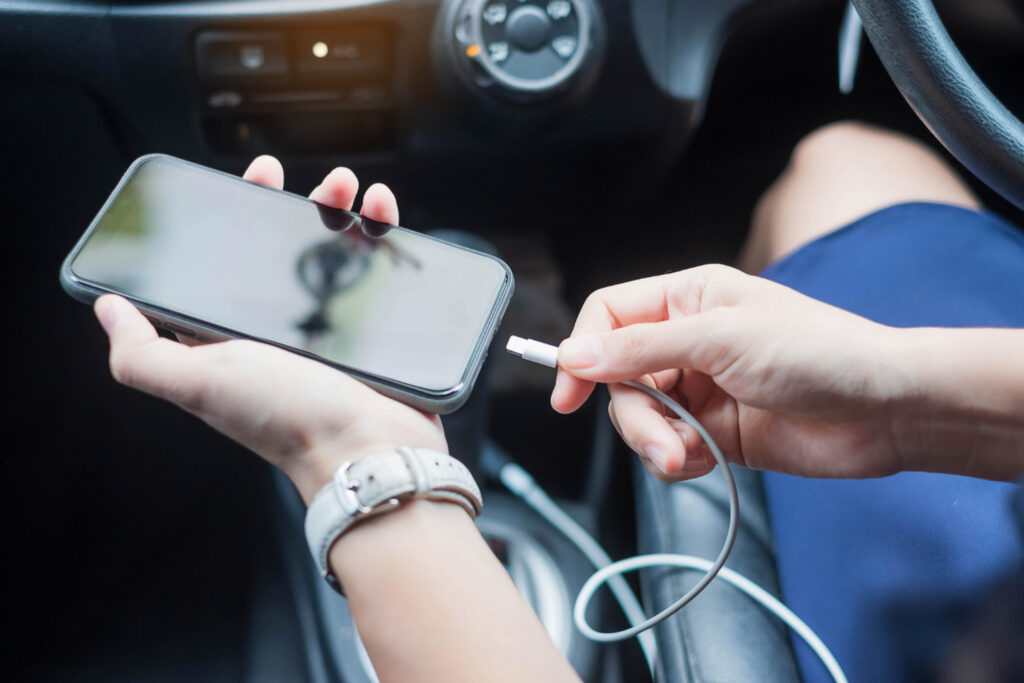
Car charging in 2026 sounds like a solved problem, but it still trips people up because the car is one of the harshest environments for a phone. You’re asking the device to run navigation with the screen bright, keep GPS active, maintain a cellular connection, possibly stream audio, and charge at the same time—all while sitting in a warm cabin, often in direct sun. That combination can push the phone into thermal protection, where it slows charging, dims the screen, or even pauses charging to avoid damage. The result is the worst experience: your phone gets hot, charges slowly, and navigation becomes less stable when you need it most. The lifehack is designing a setup that prioritizes “stable power and stable temperature,” not just maximum wattage. You choose a car charger that matches your phone’s real charging profile, use a cable that can actually carry that power without voltage drop, and mount the phone in a way that helps cooling rather than trapping heat. Then you validate it on a full trip, because five minutes of testing won’t reveal thermal behavior. Done right, you get fast USB-C charging, safer power delivery, and navigation that stays smooth without overheating drama.
Choose the right car charger: real USB-C power delivery, appropriate wattage, and reliable behavior under load
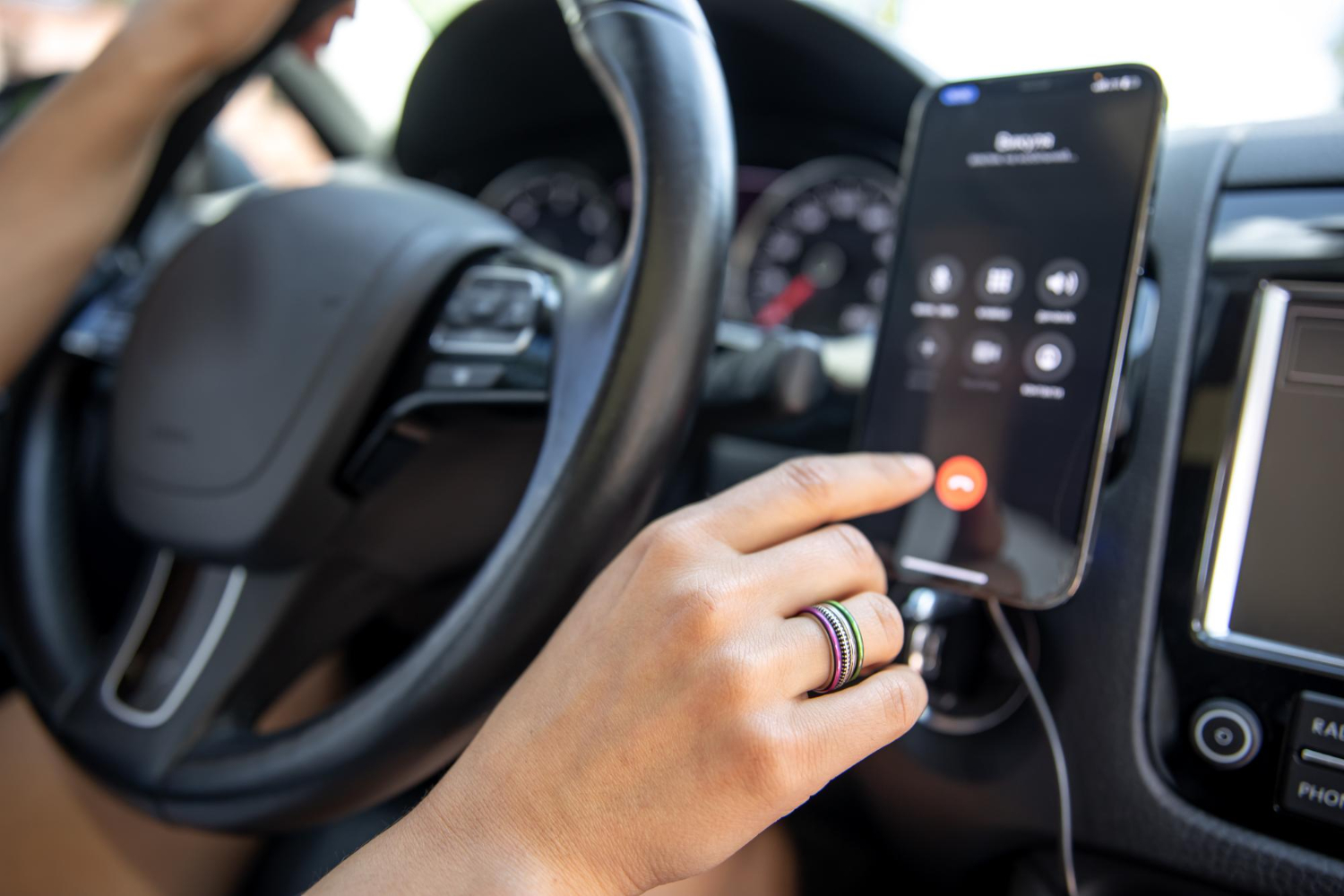
The most common mistake is buying a “high watt” car charger that doesn’t actually deliver stable power in real conditions. Cars have power variation, and cheap adapters can run hot, throttle, or deliver unstable voltage that causes charging to pulse on and off. The lifehack is choosing a charger that supports modern USB-C Power Delivery and has enough wattage for your device without chasing extreme numbers. Many phones will not pull laptop-level wattage from a car charger, so paying extra for a huge output doesn’t automatically help. What does help is having headroom so the charger isn’t running at its limit constantly, especially if you charge multiple devices. If you navigate while charging, your phone might be consuming a meaningful portion of the incoming power, so a low-power charger can result in “charging” that barely maintains the battery or even drains slowly. A mid-to-high output USB-C PD charger from a reputable brand usually provides the best balance: enough power to charge while working hard, but not so much that the adapter runs excessively hot. Also consider ports. If you use a second device—passenger phone, tablet, dashcam power—choose a charger that can supply power on both ports without collapsing output when both are in use. The goal is not peak speed in perfect conditions; it’s steady power delivery over a long drive with the phone running hot tasks.
Cable and connection stability: avoid voltage drop, random disconnects, and “slow charge” surprises
A good charger can still perform badly with the wrong cable. The lifehack is choosing a cable built for charging in a car environment: durable, not too long, and capable of carrying the current your phone needs. Long, thin cables can cause voltage drop, which makes the phone reduce charging speed and increases heat because the system has to work harder to maintain power. A moderate-length cable with solid connectors is usually best for a dashboard mount because it doesn’t tug and it doesn’t create a messy coil that overheats or catches on things. Also pay attention to the physical fit. In a car, vibration and movement can cause slight shifts that interrupt charging if the connector fit is loose or the cable is cheap. If your phone repeatedly flickers between charging and not charging, you’re not only charging poorly—you’re also creating heat and wear. Another overlooked factor is the car port itself. Some cars have USB ports that are meant for data or low-power charging and won’t sustain fast charging, especially with navigation running. If you rely on the car’s built-in USB port and you’re seeing slow charge, switch to a dedicated car charger in the 12V socket for consistent power delivery. Stability matters more than “advertised speed.” A stable connection keeps navigation predictable, prevents battery drain on long trips, and avoids the stress of watching your percentage fall while plugged in.
Prevent overheating during navigation: mount, airflow, settings, and a full-trip test that proves it works
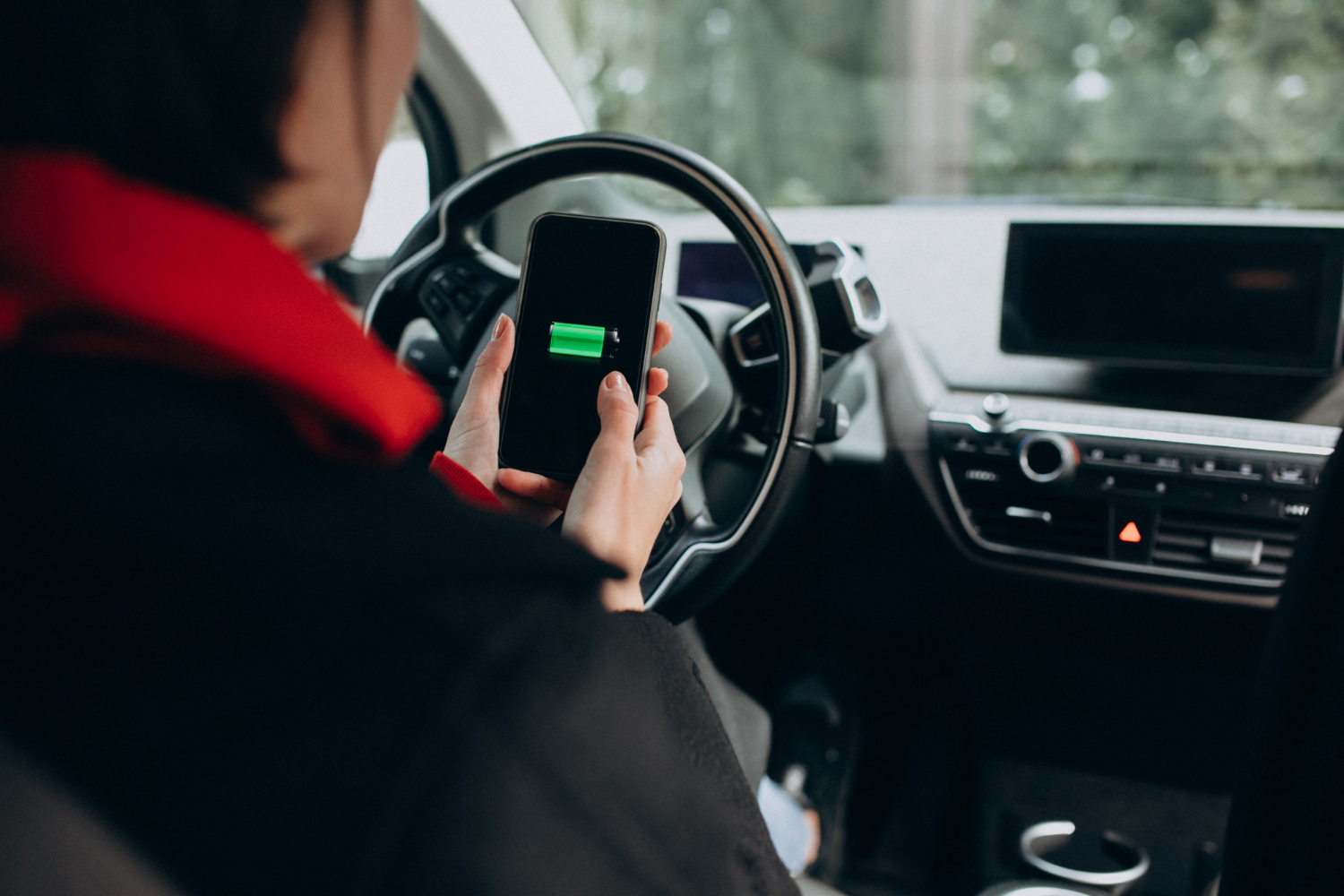
Heat is the real enemy of car charging, not lack of wattage. The lifehack is managing temperature proactively. Mount placement matters. If your phone sits in direct sun on the windshield, it will heat up even if you’re charging perfectly. A vent mount can help because airflow cools the device, especially if you run AC. If you prefer a dash mount, keep it out of direct sun and avoid thick cases that trap heat. Charging method also matters. Wireless charging in a car is convenient, but it tends to create more heat than wired charging, especially with navigation running, because wireless charging is less efficient and turns more energy into heat. If your priority is cool and stable, wired USB-C is usually the better choice. Settings can help too. Lowering screen brightness slightly, using a dark map theme, and disabling unnecessary background activity reduces heat and power draw, which makes charging more effective. The final lifehack is testing over a real drive. Short tests lie because phones often take time to heat soak. Do a 30–60 minute navigation session with your usual route, screen on, and audio running, then observe whether the phone stays comfortable, whether charging remains steady, and whether the screen dims from heat. If it overheats, the fix is usually not buying more wattage—it’s improving airflow, adjusting mount position, shortening the cable for less clutter, and reducing screen brightness slightly. When your setup keeps the phone cool, charging becomes faster automatically because the device no longer throttles. That’s the balance you want in 2026: fast USB-C power, stable navigation, and a phone that arrives with more battery than it started with.